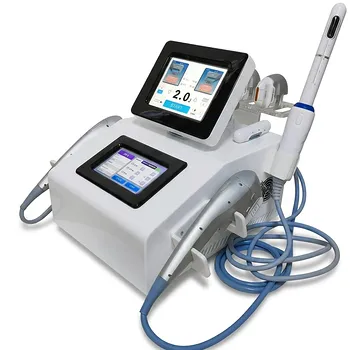
Integrating adjustable monitor arms and mobile workstations can make an aesthetic treatment room more efficient, ergonomic, and patient-centered. Fully adjustable monitor arms keep high-resolution records, skin analysis images, and treatment parameters visible from seated or standing positions. Height-adjustable mobile EHR carts place documentation and diagnostic review beside the procedure table, reducing awkward reaching, neck extension, and spinal twisting.
The central benefit is coordinated access: clinicians can view and record essential information without breaking posture, losing visual contact with the patient, or interrupting the treatment workflow.
Why Treatment Room Layout Matters
Clinical information must remain accessible
Aesthetic consultations and energy-based procedures often require access to several types of information, including patient records, imaging, and treatment settings. When these resources are positioned poorly, clinicians must repeatedly turn away or reposition their bodies to use them.
Adjustable equipment keeps information within the practitioner’s working field. This supports a smoother transition between patient assessment, treatment delivery, and documentation.
The room must support changing positions
Practitioners may work seated during consultations, stand during treatment delivery, and shift positions while evaluating treatment areas. A fixed monitor or workstation cannot accommodate all of these activities equally well.
Adjustable monitor arms allow the display to be repositioned for different heights, angles, and viewing directions. This flexibility helps the room adapt to the procedure instead of forcing the practitioner to adapt their body to the room.
How Adjustable Monitor Arms Improve Ergonomics
They support neutral viewing angles
A monitor positioned too low, too high, or too far away can encourage neck flexion, hyperextension, or prolonged eye strain. These problems become more significant across long treatment schedules.
A fully adjustable arm allows the screen to be placed at a more appropriate height and distance for the practitioner’s current position. It can also be moved to reduce glare, improving visibility without requiring the clinician to lean or tilt their head.
They reduce unnecessary repositioning
Without an adjustable display, a practitioner may need to rotate their torso or step away from the patient to review records and images. Repeated movements can add physical fatigue and interrupt the natural flow of the appointment.
A monitor arm keeps the display available from multiple working positions. The clinician can review information while remaining oriented toward the treatment area and patient.
They accommodate different clinicians
Treatment rooms may be shared by practitioners with different heights, preferences, and working styles. A monitor arm provides a practical way to personalize screen placement without permanently changing the room layout.
This adaptability is particularly useful when the room supports both seated consultations and standing procedures.
How Mobile Workstations Improve Workflow
They bring documentation to the procedure table
A height-adjustable mobile EHR cart positioned beside the procedure table allows the practitioner to review diagnostics or enter treatment logs without turning away. The workstation remains close enough to support documentation during the normal sequence of care.
This reduces the physical and workflow distance between treatment delivery and recordkeeping. Documentation becomes part of the process rather than a separate task requiring a major change in position.
They preserve spinal alignment
A workstation that is too low or positioned behind the practitioner can encourage twisting, reaching, or bending. These postures are especially problematic when repeated throughout a full schedule.
Adjusting the cart to the practitioner’s working height supports a more neutral posture. Its mobility also allows the workstation to be placed where it is most useful for the specific procedure.
They protect patient communication
Maintaining eye contact and clear communication contributes to a high-touch aesthetic experience. A poorly positioned workstation can cause the practitioner to turn away from the patient whenever information must be reviewed or entered.
With the cart beside the table and the monitor positioned appropriately, the practitioner can alternate more naturally between the screen, the treatment area, and the patient. This helps preserve communication without sacrificing access to clinical information.
Coordinating Equipment With Team-Based Care
Staff can prepare information before the procedure
Trained aesthetic staff and estheticians may support preliminary skin assessments, baseline photography, skin preparation, and pre-treatment setup. Completing these steps before the clinician begins the specialized procedure can make the treatment sequence more organized.
Mobile equipment and accessible displays help keep these materials available in the same working area. This reduces avoidable transitions between assessment, preparation, and treatment.
Practitioners can focus on specialized decisions
During energy-based or medical laser procedures, staff may assist with cooling, patient comfort, and post-procedure product application when appropriately trained. This allows physicians to concentrate on specialized medical procedures and clinical judgment.
The workstation arrangement supports this division of responsibilities by keeping records and treatment information accessible while staff manage designated supporting tasks.
The patient experiences a continuous process
A coordinated room setup reduces visible interruptions, unnecessary movement, and repeated handoffs. The patient can move from assessment to preparation to treatment with fewer workflow disruptions.
The result is not simply faster room activity. It is a more coherent experience in which clinical, technical, and comfort-related tasks support one another.
Understanding the Trade-offs
Adjustability requires deliberate setup
An adjustable monitor arm or mobile cart only improves ergonomics when it is positioned correctly. If the screen is left too far away, placed at an unsuitable height, or parked where it obstructs movement, the expected benefit is reduced.
Each treatment room should establish practical default positions while preserving the ability to make quick individual adjustments.
Mobile equipment must fit the room
A cart that is too large or difficult to maneuver can interfere with procedure access, staff movement, or patient transfers. Mobility is valuable only when the room has enough clearance for the workstation to move safely.
Placement should be evaluated alongside the procedure table, treatment devices, cables, and staff responsibilities.
Documentation can still interrupt care
Bringing the EHR beside the patient reduces twisting and travel, but it does not eliminate the need for good workflow discipline. Excessive screen attention can still weaken patient engagement or interrupt the practitioner’s observation of the treatment area.
The equipment should support brief, purposeful information checks and documentation while clinical attention remains appropriately focused on the patient.
Team delegation requires training and boundaries
Delegating preparation and support tasks can improve productivity, but responsibilities must match staff training and the clinic’s clinical protocols. Staff support should complement, not replace, the practitioner’s required assessment and decision-making.
Clear role definition helps prevent delays, duplication, and uncertainty during procedures.
Making the Right Choice for Your Goal
A practical setup should combine adjustable equipment placement with clear room roles and repeatable treatment workflows.
- If your primary focus is practitioner ergonomics: Use fully adjustable monitor arms and height-adjustable carts so screens and documentation surfaces can be aligned with both seated and standing work.
- If your primary focus is patient communication: Position the monitor and EHR cart beside the procedure table so clinicians can review information without repeatedly turning away from the patient.
- If your primary focus is workflow efficiency: Keep records, imaging, and treatment documentation within immediate reach while trained staff handle appropriate preparation, comfort, and post-treatment support tasks.
- If your primary focus is room flexibility: Choose mobile equipment that can be repositioned around different treatment tables, devices, and practitioner working styles without obstructing movement.
A well-positioned monitor arm and mobile workstation turn clinical information access into a support for posture, communication, and consistent treatment delivery.
Summary Table:
| Feature | Benefit |
|---|---|
| Adjustable monitor arms | Promote neutral viewing angles and reduce neck strain |
| Mobile workstations | Bring documentation to the procedure table, reducing reaching and twisting |
| Height adjustability | Accommodates seated and standing positions, and different practitioners |
| Coordinated access | Keeps records and images within reach, enhancing workflow and patient communication |
| Team-based support | Allows staff to prepare and assist without disrupting the clinician's focus |
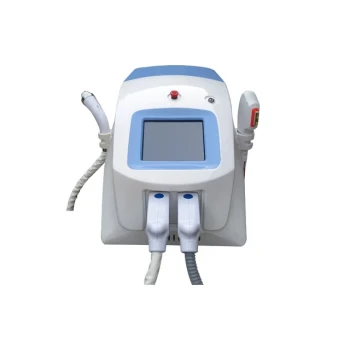
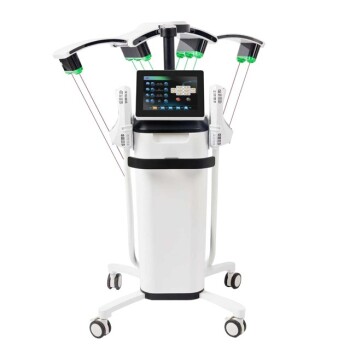
Elevate your treatment room with BELIS's advanced aesthetic solutions! Our professional-grade equipment, including lasers, IPL, and body sculpting devices, is designed for clinics and premium salons. Pair them with our ergonomic workstations to enhance both practitioner comfort and patient experience. Contact us today to discover how we can improve your practice's efficiency and patient satisfaction. Get in touch with us!
Related Products
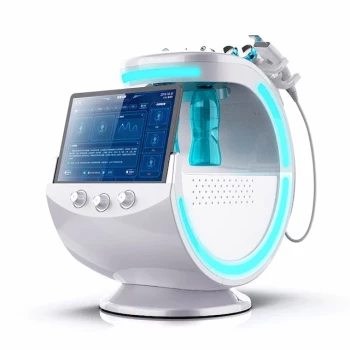
- Hydrofacial Machine with Facial Skin Analyzer and Skin Tester
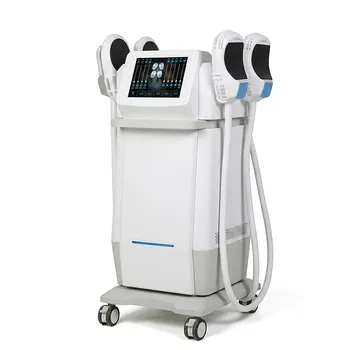
- EMSlim Body Sculpting Machine EMS Body Slimming Machine
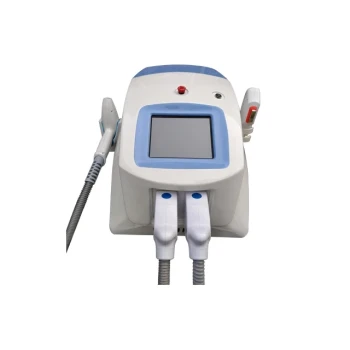
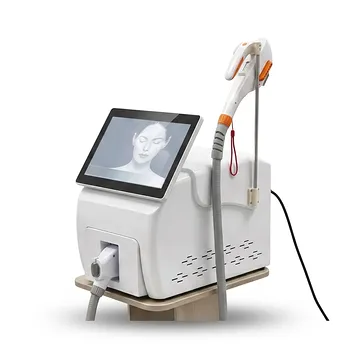
- Clinic Use IPL SHR ND YAG Laser Hair Removal RF Skin Tightening Machine
- IPL SHR+Radio frecuency machine
- EMSlim RG Laser Body Sculpting and Slimming Machine
People Also Ask
- What is a HydroFacial treatment? Discover the Secret to Instant, Radiant Skin with Vortex-Fusion Technology
- What is the first step of a hydro-facial treatment? Master the Art of Professional Cleansing & Exfoliation
- What are the business benefits of a spa or salon owning a Hydrafacial machine? Drive Revenue and Loyalty
- Is a HydraFacial machine worth it? Achieve Instant Glow with No Downtime
- What is a Hydrafacial machine and what are its unique features? Elevate Your Clinic with Vortex-Fusion Tech