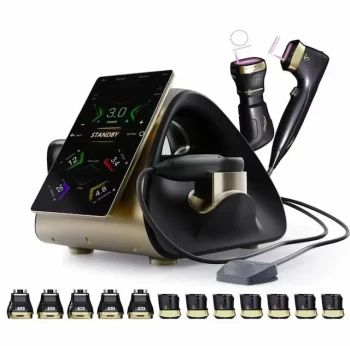
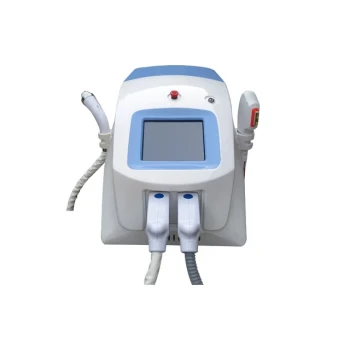
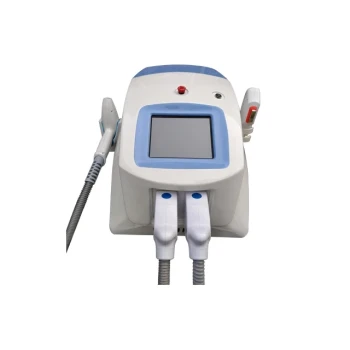
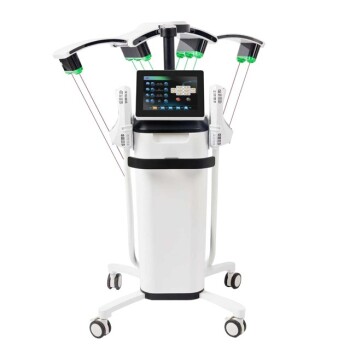
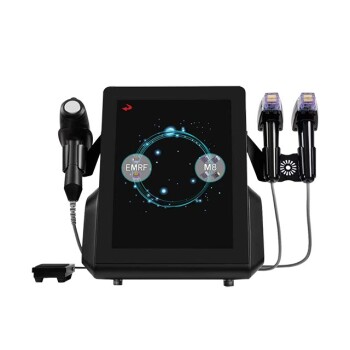
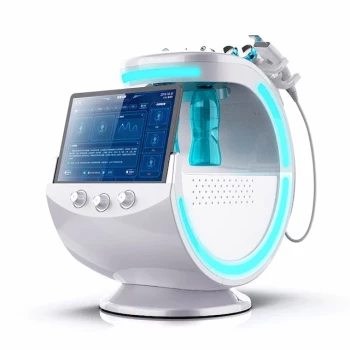
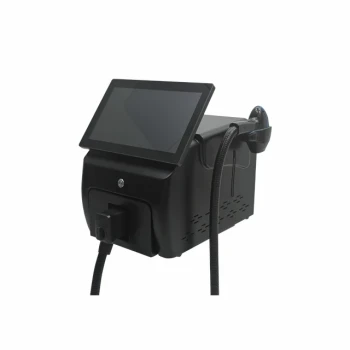
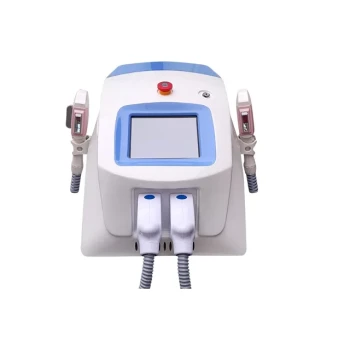
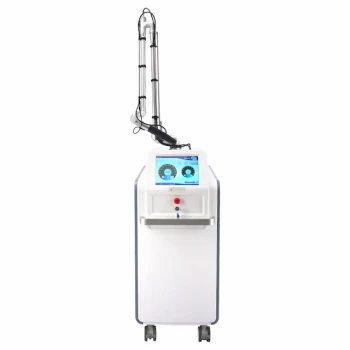
The defining characteristic of the system’s interface is its multi-color touch screen. This component serves as the primary method for operation, shifting control from traditional physical buttons or monochromatic readouts to a modern, interactive visual display.
The system utilizes a multi-color touch screen to centralize operations, offering a direct and visually distinct method for controlling system functions compared to legacy hardware interfaces.
Analyzing the Interface Capabilities
Enhanced Visual Communication
The specification of a multi-color display suggests a focus on information hierarchy. Unlike monochrome screens, a color interface allows operators to instantly distinguish between normal status indicators, alerts, and critical warnings based on color coding.
Direct Interaction
The touch capability unifies the output display and the input mechanism into a single layer. This eliminates the disconnect often found in systems that use "soft keys" (physical buttons next to a screen), allowing users to manipulate data or settings directly where they appear.
Modern Operational Standards
Moving to a touch interface generally implies a menu-driven or icon-based workflow. This modernizes the user experience, making the system more approachable for operators accustomed to consumer electronics like smartphones or tablets.
Operational Considerations
Environmental Sensitivity
While touch screens offer versatility, they lack the tactile reliability of physical switches. In environments with significant dirt, grease, or where operators wear heavy gloves, a touch interface may require cleaner conditions or specific compatible gloves to function reliable.
Dependence on Visual Attention
Touch interfaces require the user to look at the screen to operate it effectively. This contrasts with physical buttons or dials, which can often be operated by "feel" or muscle memory while the operator keeps their eyes on a different task.
Assessing the Operational Fit
- If your primary focus is rapid training and ease of use: The multi-color touch screen simplifies the learning curve by providing intuitive, visual cues for operation.
- If your primary focus is usage in low-visibility or high-soil environments: You must ensure the operating environment allows for clear visibility of the color screen and consistent contact with the touch surface.
This interface represents a clear shift toward visual-first system management, prioritizing accessibility and information density.
Summary Table:
| Feature | Advantage | Operational Impact |
|---|---|---|
| Multi-Color Display | Enhanced visual hierarchy | Rapid identification of status and alerts |
| Touch Interaction | Unified input & output | Direct manipulation of settings without soft keys |
| Icon-Based Workflow | Modern UX standards | Reduced training time and increased accessibility |
| Visual Cues | Intuitive navigation | Simplified operation similar to modern smartphones |
Elevate Your Clinic's Efficiency with BELIS Technology
At BELIS, we specialize in professional-grade medical aesthetic equipment designed for modern clinics and premium salons. Our advanced systems—including Diode Hair Removal, CO2 Fractional Laser, Pico Laser, HIFU, and Microneedle RF—all feature our signature intuitive multi-color touch interfaces to ensure your staff can operate with precision and confidence.
Whether you are looking for body sculpting solutions like EMSlim and Cryolipolysis or specialized care devices such as Hydrafacial systems and skin testers, BELIS provides the visual-first technology you need to deliver superior results.
Ready to upgrade your practice? Contact us today to discuss how our user-friendly systems can streamline your workflow and enhance patient outcomes!
Related Products
- Hydrofacial Machine with Facial Skin Analyzer and Skin Tester
- Skin Tester Analysis Machine Analyser for Skin Testing
- Skin Tester Analysis Machine Analyser for Skin Testing
- 22D HIFU Machine Device Facial Machine
- Clinic Use IPL SHR ND YAG Laser Hair Removal RF Skin Tightening Machine
People Also Ask
- What is a HydroFacial treatment? Discover the Secret to Instant, Radiant Skin with Vortex-Fusion Technology
- What is the first step of a hydro-facial treatment? Master the Art of Professional Cleansing & Exfoliation
- What are the business benefits of a spa or salon owning a Hydrafacial machine? Drive Revenue and Loyalty
- What is a Hydrafacial machine and what are its unique features? Elevate Your Clinic with Vortex-Fusion Tech
- Is a HydraFacial machine worth it? Achieve Instant Glow with No Downtime